

Netflix, one of the world’s most popular streaming services, offers its subscribers thousands of TV shows and movies, including blockbusters, award-winning original series, and documentaries, and allows subscribers to download their favorite movies and TV shows for offline viewing via an app for Windows 10/11 PC, iOS, Android devices, Amazon Fire tablet.
You May Like: How to cast Netflix to PC
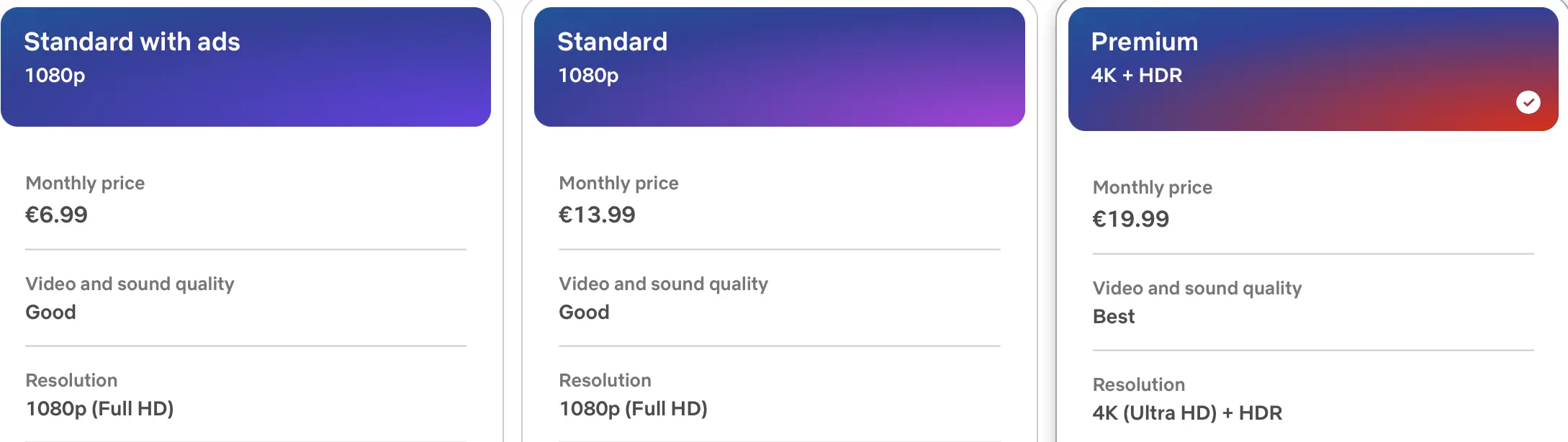
Full HD is available with Standard and Standard with ads plan, Ultra HD is only available with Premium plan.
Requirements For Streaming UHD Content
Streaming Netflix content in Ultra HD requires more than just a higher subscription level and a few changes in settings. You’ll need the right device to support clearer content, and Netflix recommends you have the following:
But as convenient as it is to stream over the Internet, sometimes you need to watch videos without it – if you plan to fly, visit a remote location, or otherwise stay away from Wi-Fi, you may want to save something for offline playback on your phone or tablet.
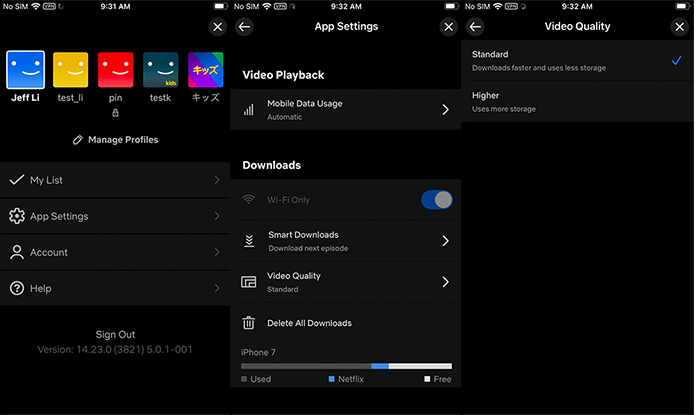
However, Netflix’s download feature has some limitations. If you regularly use the Netflix app to download a lot of movies and TV shows, you may encounter download limitations and get an error message in the Netflix app. What are Netflix download restrictions and how to fix Netflix download errors?
Netflix download restrictions:
How to get rid of Netflix download limitations?
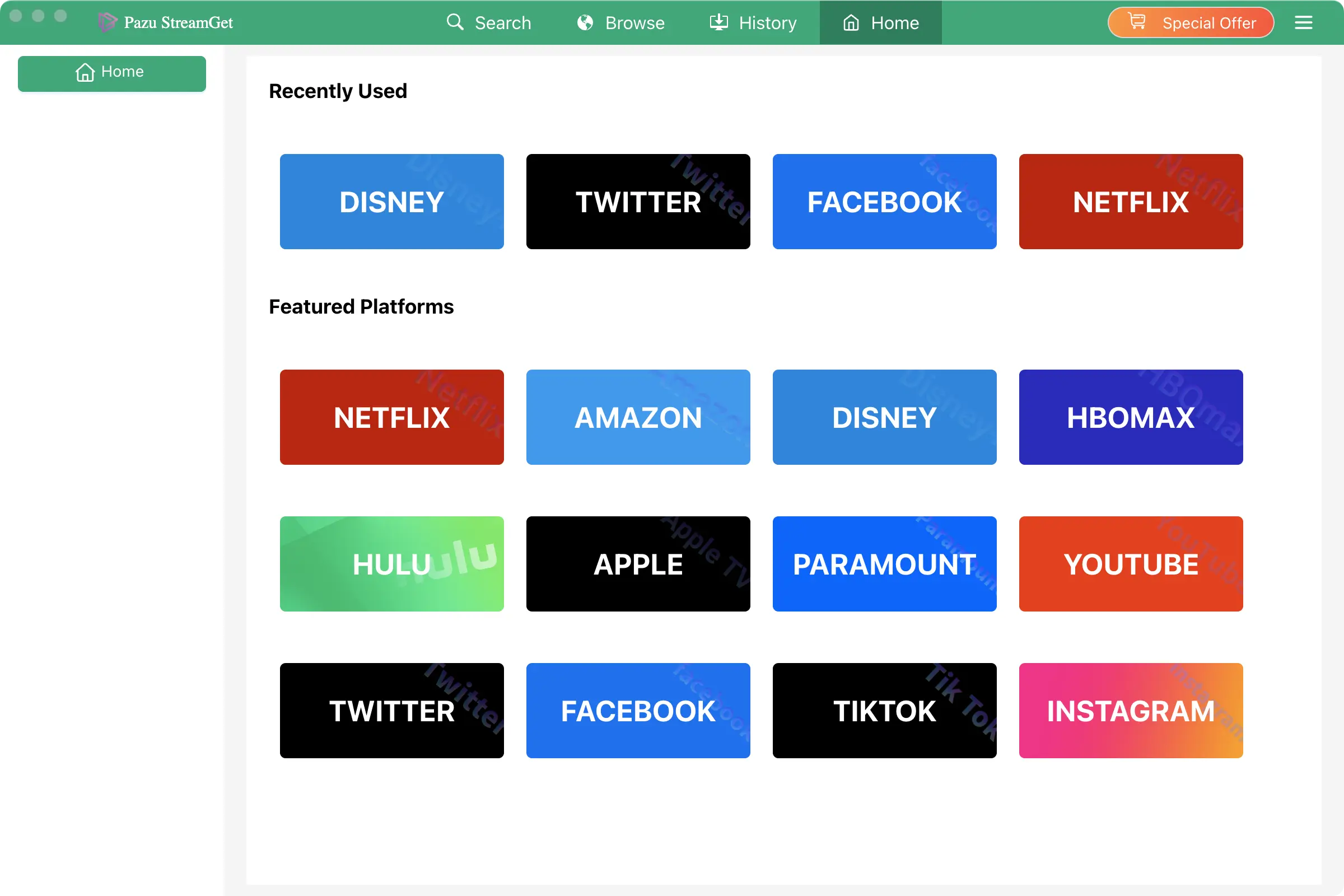
To get rid if all Netflix download limitations, use Pazu Netflix Video Downloader to download Netflix movies and TV shows to MP4 on your Mac and Windows.
Pazu Netflix Video Downloader is the best Netflix Video Downloader which is designed for downloading and converting Netflix movies and TV shows to MP4 and MKV without Netflix app. You will like the lossless output quality of Netflix videos which is up to 1080P so that you can enjoy most on any device. Also, subtitles and audio tracks can be kept 100% the same as the original video. The downloading is fast and stable.

Download Netflix movies & TV shows to MP4 with HD quality.
Log in your Netflix account. Click the key icon and enter your registration code to unlock the full version if you have purchased a registration. If you haven’t, go ahead with the free trial version.
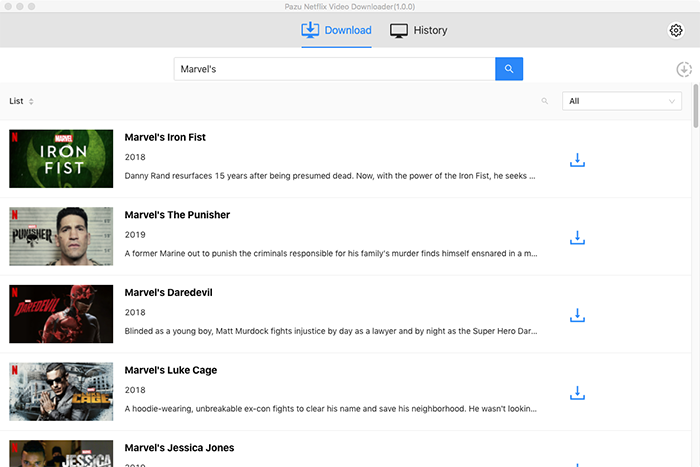
Here we will take Mervel’s Daredevil as example. It contains 3 seasons, 39 episodes. Mervel’s 6 shows willbe removed from Netflix on Mar. 1, 2022. By downloading them with Pazu Netflix Video Downloader, you can save them to MP4 to your local drive and preserve them forever. Enter “Marvel’s” in the search field and click the search icon. You will see all shows in the list.
Click the gear icon to change
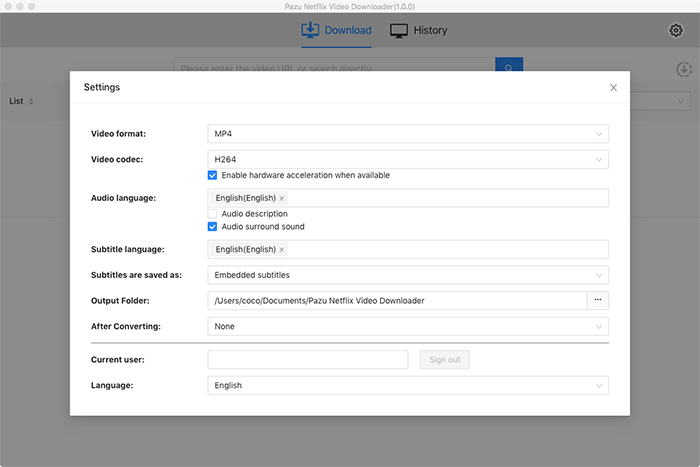
Click Download icon on the right side.
As you can see from the screenshot, all episodes are checked by default. Netflix Video Downloader will help you download them app, no need to tap one by one.
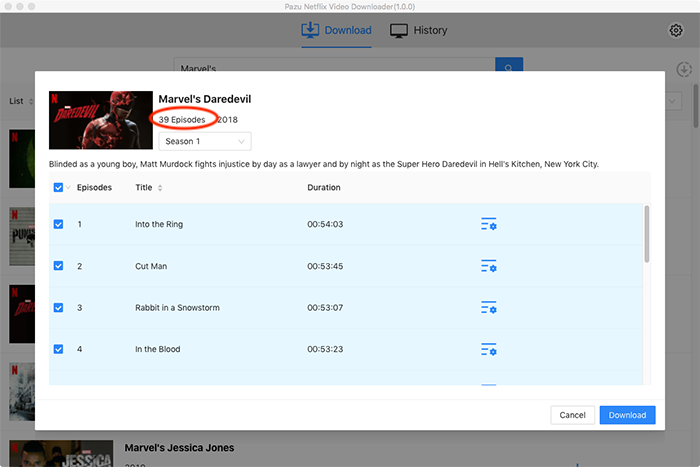
Then click Download button on the right bottom corner. The downloading begins.
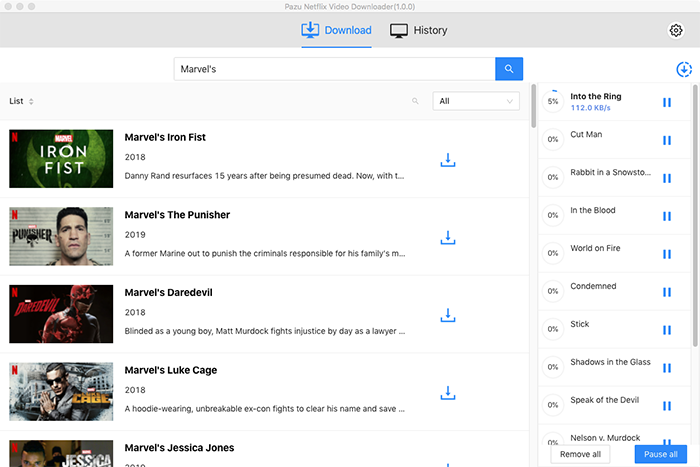
After downloading, click History and find the video in MP4 format. You can now transfer the downloaded videos to USB drive. Insert the USB drive to your TV’s USB port and watch them whenever you want.

Download Netflix movies and TV shows to MP4/MKV on your PC/Mac