

Every month, there are many TV shows and movies leave Netflix because of licensing agreements. There is no shortage of classics. If a TV show or movie is leaving Netflix in the next month, you will find a “Last day to watch on Netflix” message on the details page of the TV show or movie. Once the TV show or movie leaves Netflix, your downloads will also disappear. Is there any way to save the movies or TV shows to your hard drive and keep them forever, even after they leave Netflix? Well this is easy with Pazu Netflix Video Downloader, which allows you to download any movies and TV shows to MP4/MKV on your Mac and Windows. You can then save them to USB drive, SD card or external hard drive, etc.
You May Like:
Pazu Netflix Video Downloader is the best Netflix Video Downloader which is designed for downloading and converting Netflix movies and TV shows to MP4 and MKV without Netflix app. You will like the lossless output quality of Netflix videos up to 1080P, so that you can enjoy most on any device. Also, subtitles and audio tracks can be kept 100% the same as the original video. The downloading is fast and stable.

Download Netflix movies & TV shows to MP4 with HD quality.
Log in to your Netflix account. Click the three-line icon > “Register” and enter your registration code to unlock the full version if you have purchased a registration. If you haven’t, go ahead with the free trial version.
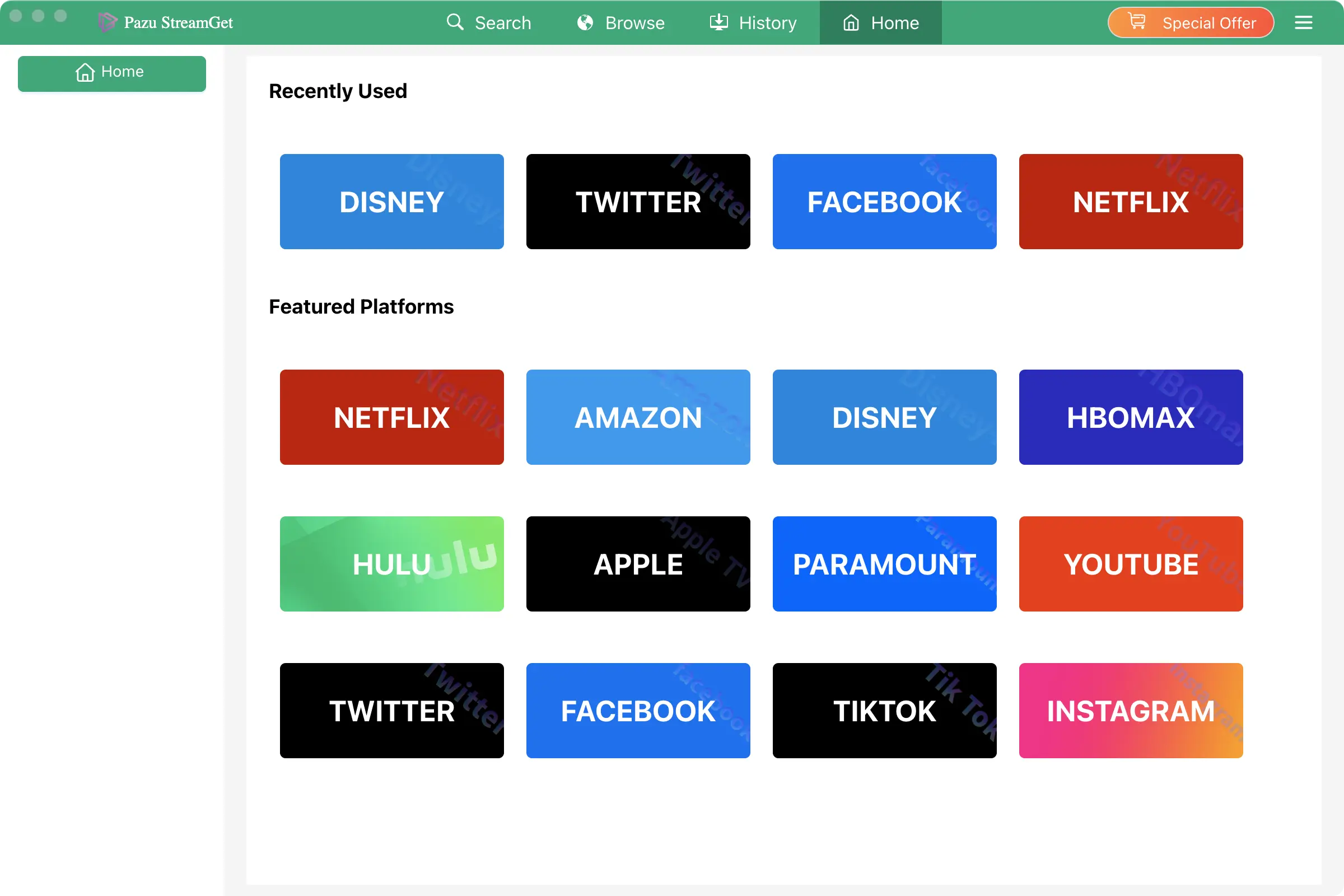
Click on the Settings button in the upper right corner and select Preferences to customize the video format (MP4/MKV), video codec (H264, H265), and output path, select the language of audio tracks and subtitles, etc.

Click Search at the top. Enter movie/TV show title or copy and paste the URL into the search bar, and click the search button to find the content that you want to download.

Pazu Netflix Video Downloader allows you to select specific audio tracks and subtitles for downloading.
If you are downloading a movie, there is a Settings icon next to the Download icon. Click it to choose the exact audio and subtitle languages. Click on the Download icon to start downloading the Netflix movie.
If you are downloading a TV show, after clicking the download icon. You will see all episodes and the Settings buttons on the pop-up window. You need to select the episodes you want to download and click the Settings button to choose the exact audio and subtitles languages, then click the Download button.

Then click the Download button in the bottom right corner. The downloading begins.

After downloading, click History and find the video in MP4 format. You can now transfer the downloaded videos to a USB drive. Insert the USB drive into your TV’s USB port and watch them whenever you want.

Download Netflix movies and TV shows to MP4/MKV on your PC/Mac