

The Apple TV app is available across Apple devices—including iPhone, iPad, Mac, and Apple TV (4K and HD models)—as well as a wide range of third-party platforms. Supported non-Apple devices include PS4, PS5, Xbox One, Xbox Series S/X, Roku devices, Amazon Fire TV streaming sticks, Roku TVs, and select smart TVs from LG, Samsung, Sony, and Vizio.
You can use the app to stream the Apple TV subscription service (featuring Apple Originals), rent or buy thousands of movies and TV shows directly through the app’s built-in Store, and access your personal digital media library.
Yes, there’s an Apple TV app for Android phones and tablets, as well as Android/Google TVs. However, the Android app doesn’t support renting, purchasing movies and shows, or subscribing to third-party channels on Apple TV. If you made a purchase/rent/, or subscription on another device, you can access it in the Apple TV app for Android as well.
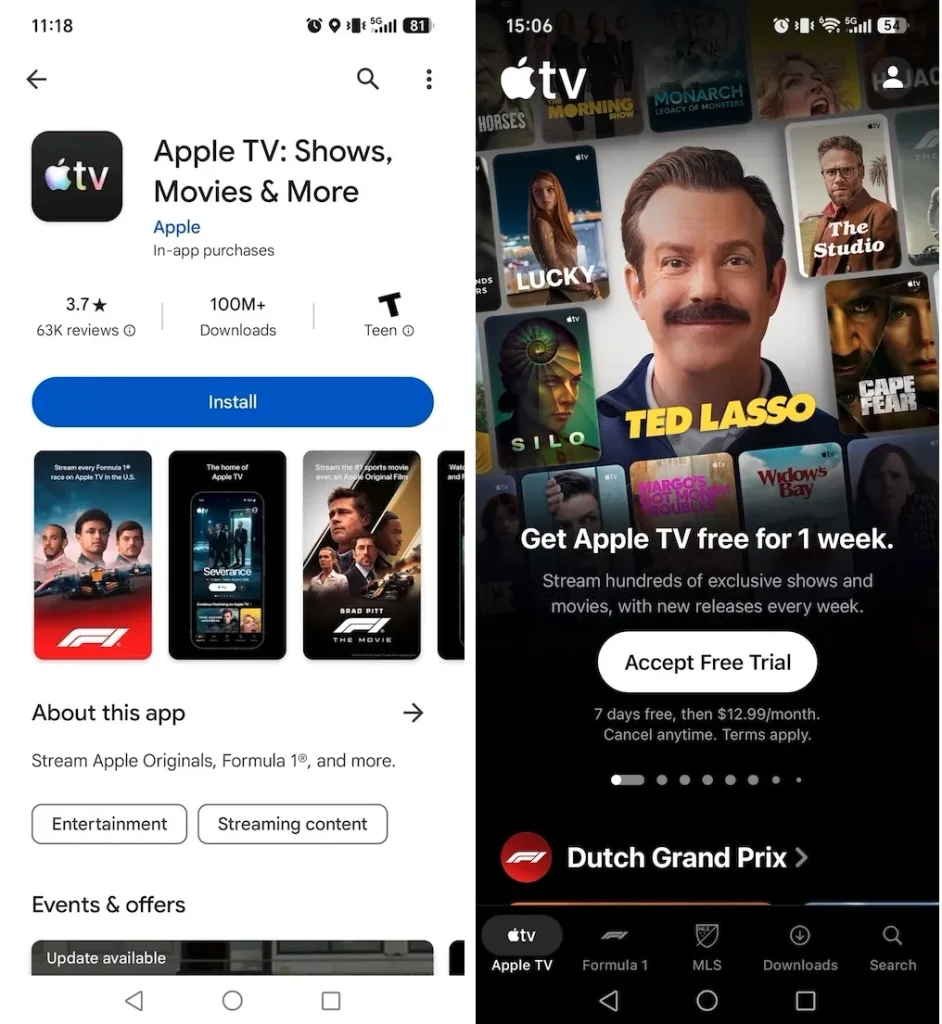
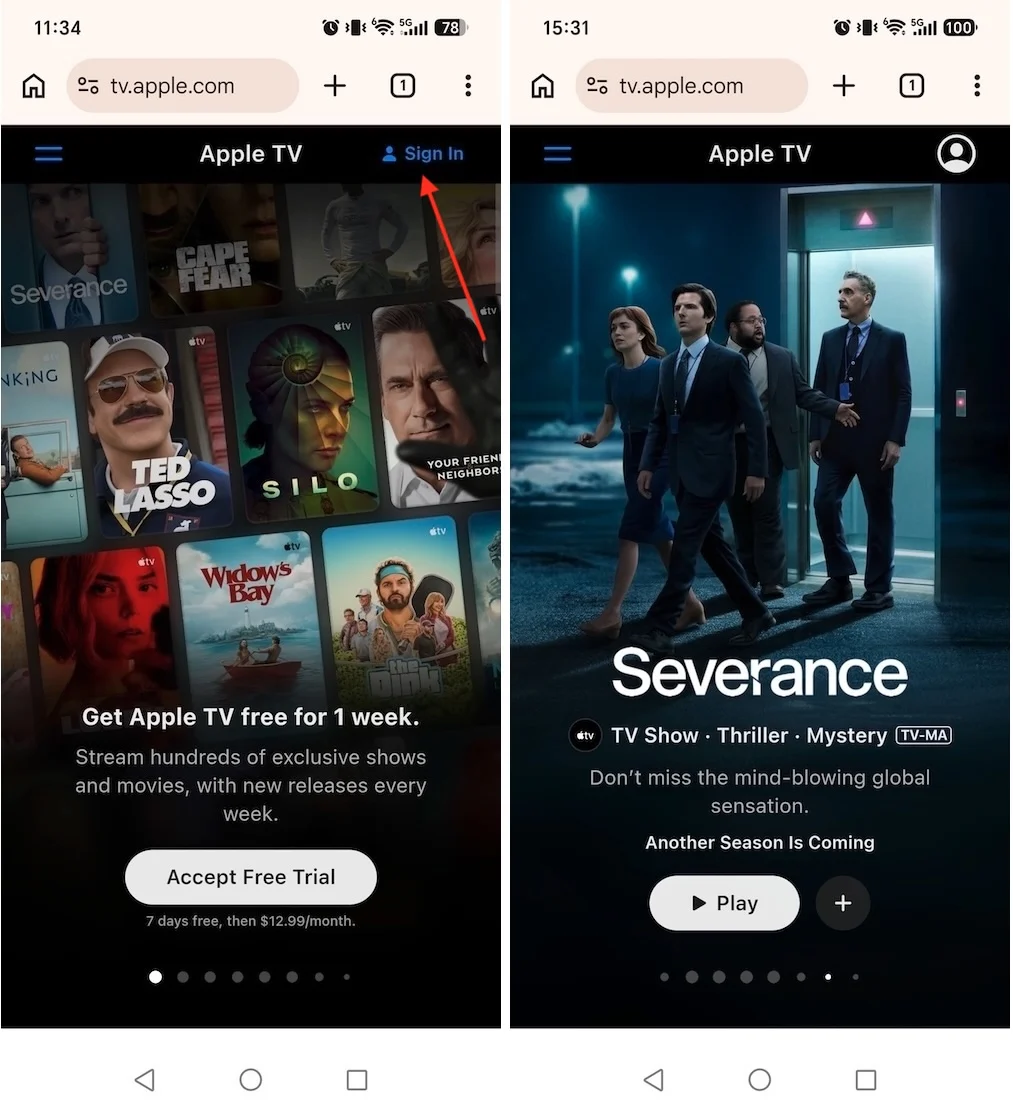
To stream Apple TV on your Android phone or tablet, you need an Apple Account and an active Apple TV subscription. If you haven’t subscribed yet, you can sign up directly within the Apple TV Android app (billed via Google Play) or online at tv.apple.com.
To watch movies and shows with the Apple TV Android app:
To watch Apple TV shows with the web player, you’ll need to follow these steps:
Android TV doesn’t support purchases within the Apple TV app, but when you sign in with your Apple account, you can find everything you purchased, rented, or subscribed to using the same Apple account on other devices.
 . After it’s installed, you can find the Apple TV app in the Apps tab, or you can add it to your Favorites on the home screen.
If you want to watch Apple TV offline on Android phones and tablets, just download your favorite movies/TV shows within the Apple TV app. However, the Apple TV app on smart TVs doesn’t support offline playback. The alternative is to download movies and shows to MP4 with Pazu Apple TV Downloader on Mac/Windows and then transfer the Apple TV videos to any Android device. After that, you can watch Apple TV offline on Android with your favorite video player.
Pazu Apple TV Video Downloader helps you download any TV shows and films from Apple TV to MP4/MKV, so you can transfer and play them offline anywhere you want, without the Apple TV app or a browser.
Step 1: First, you need to install the software on the device, whether it is Mac or Windows. After launching the software, select “APPLE” and it will redirect to the screen where you have to log in to your Apple TV account.

Download Apple TV movies & TV shows to MP4/MKV.

Step 2: After logging into your account, type the show or movie you want to download under the search tab and click the search icon.

Step 3: Click the three-line icon in the top right corner > “Preferences” to select the video format, codec, audio and subtitle languages, output folder, etc.

Step 4: After making all the changes, simply click on the download button. For movies, the download starts immediately. For TV shows, you will be presented with all episodes. Select the seasons and episodes you want to download.
Further, if required, you can change the subtitle and audio track by clicking on the gear-like icon.

Click the OK button in the top right corner to close this window, then click the Download button in step 4 to start downloading episodes.

To see all the downloaded items, go to the History tab. Click the folder icon to quickly locate the downloaded videos, transfer them to your Android devices and watch Apple TV movies/TV shows offline on Android anytime you want.


Download Apple TV Plus Video movies and TV shows to MP4/MKV on your PC/Mac